AirDrive vs KeyGrabber — Which Line Should You Choose?
Wi-Fi retrieval or offline flash-drive access? A practical comparison of the AirDrive and KeyGrabber keylogger families to help you pick the right tool.
Both families capture keystrokes with the same fidelity. The right choice comes down to how you want to retrieve the data and whether wireless access is acceptable for your operation.
AirDrive — wireless, no contact
The AirDrive line hosts its own Wi-Fi access point. You retrieve logs from any browser without ever touching the device again.
- Read data from a phone, tablet or laptop over Wi-Fi
- Pro/Max: scheduled e-mail reports and live keystroke streaming
- Max: built-in 16 GB flash for offline retrieval as well
- Ideal when physical return access is inconvenient or risky
KeyGrabber — offline, zero radio signature
The KeyGrabber line stores everything to onboard flash and emits no wireless signal at all. To read the data, switch the device to flash-drive mode and open it like any USB stick.
- No radio emissions — nothing to detect on a spectrum sweep
- Instant retrieval as a standard USB mass-storage device
- TimeKeeper variants add a battery-backed real-time clock for exact timestamps
- Ideal for air-gapped or radio-sensitive environments
Quick guide
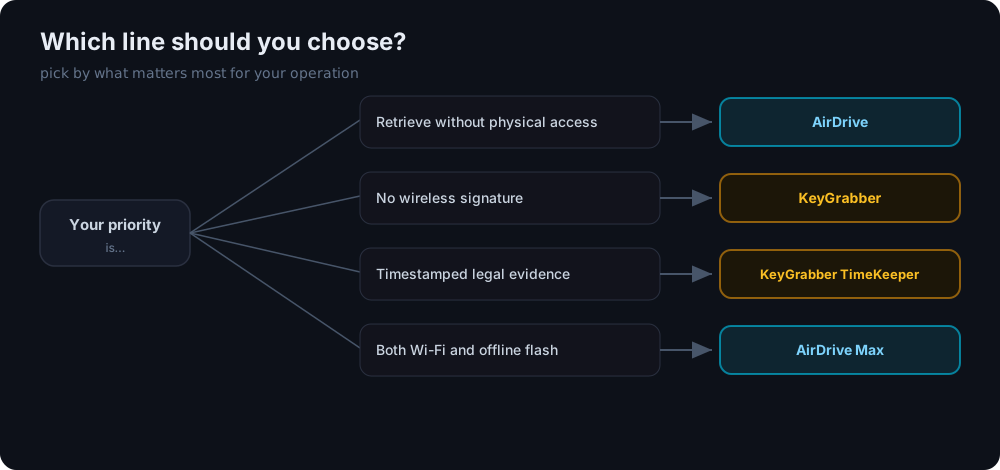
| Priority | Pick |
|---|---|
| Retrieve without physical access | AirDrive |
| No wireless signature | KeyGrabber |
| Timestamped legal evidence | KeyGrabber TimeKeeper |
| Both Wi-Fi and offline flash | AirDrive Max |
When in doubt, the AirDrive Forensic covers most investigations, while the KeyGrabber Forensic is the safest choice where a radio signal would be a liability.